GitHub Pages
How to host a free frontend instance using GitHub Pages
1. Go to GitHub Shore repository
https://github.com/holt-chat/shore
You need a GitHub account, if you don’t have you create one.
2. Fork the repository
Press the “Fork” button.

and press the “Create fork” button, no settings need to be changed.
3. Setup GitHub Pages
Go to “Settings” then “Pages”
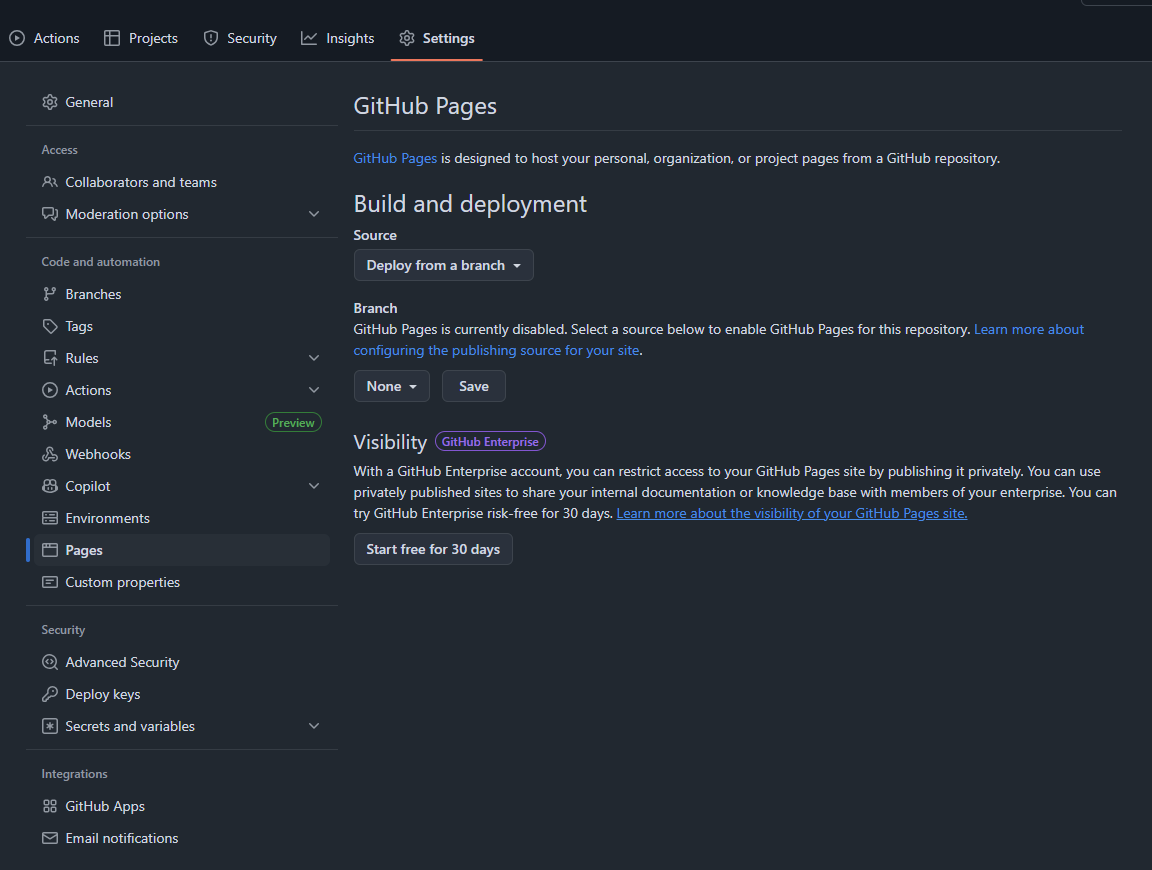
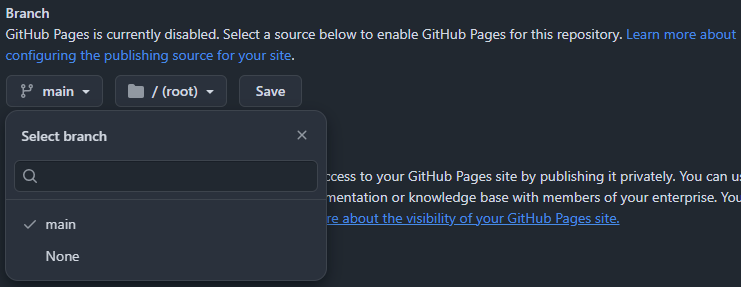
Under “Branch” change “None” to “Main” and save.
4. Go to main repository page
Go to the repository’s main page and edit the about properties.
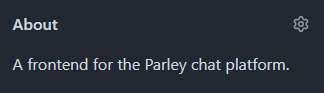
5. Check “Use your GitHub Pages website”

Save changes.
6. Wait
It should take about a minute, after it has correctly built the site just press the url under the “About” section.